

Content Academy · Guide
iPhone Camera Setup
$7.00
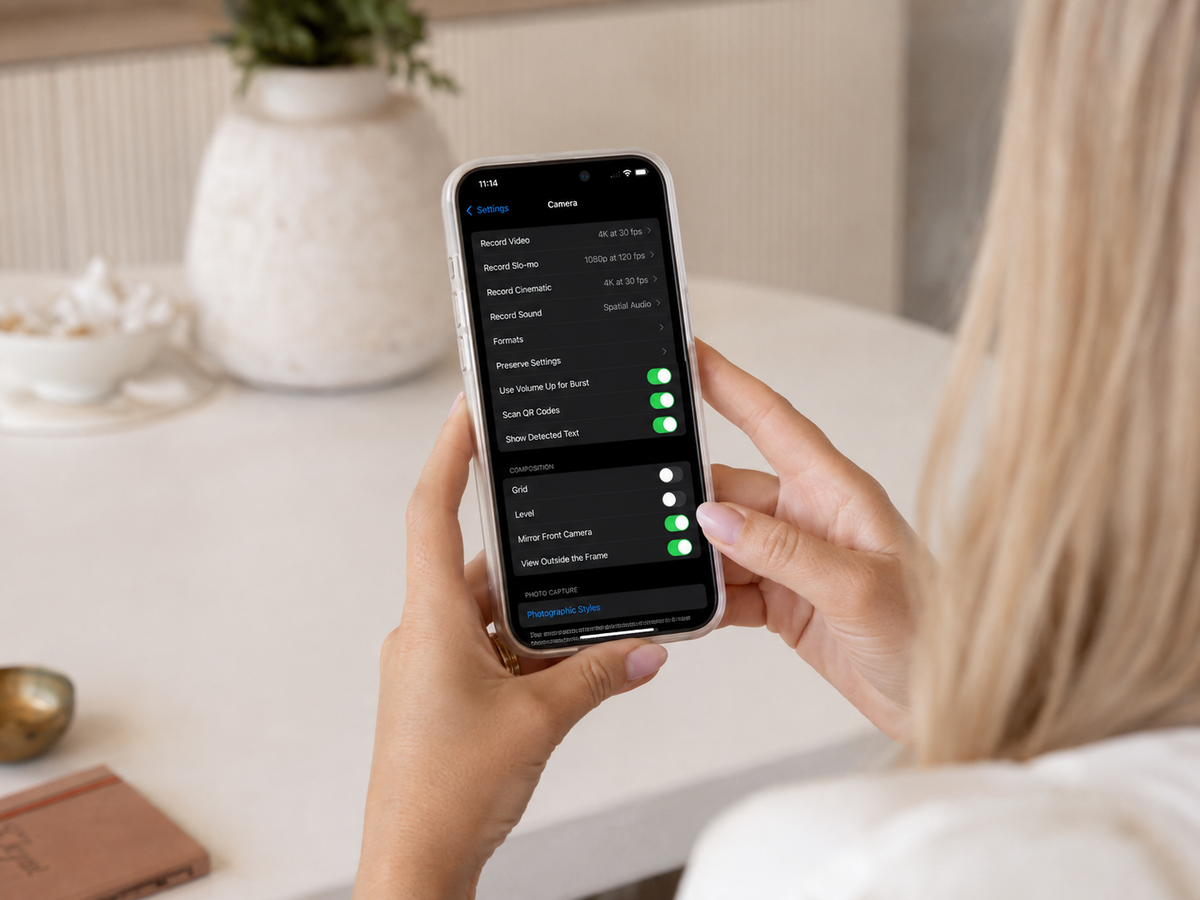
The exact iPhone camera settings we use before we film. Shown screen by screen, with the menu path beside each one.
Get the setup right, once
You hit record and the clip still doesn't look quite right.
Most of the time it's not the light or the moment. It's the settings you never touched, sitting inside your camera app, quietly working against you.
This guide shows you the exact iPhone camera settings we use at HAAUS before we film. Set them up once and every reel from now on starts from a better place, cleaner footage, more consistent light and audio that actually reads on screen.
What we cover
Why it matters
Screen by screen
Every setting shown as it appears on your iPhone, with the exact menu path beside each one.
Set it up once
Save the settings once and every reel from now on starts from a better place.
No editing skills needed
Get the raw footage right and you'll spend less time trying to fix it later.
Works on any iPhone
The settings apply across recent iPhones. Small differences noted where they matter.
Who it's for
First-time creators
Just hit record and want your footage to actually look the way it does on other people's reels.
Existing creators
Already posting but never sure whether your camera setup is holding you back.
Small business owners
Filming your own content and wanting a cleaner, more repeatable setup.
How it works
Purchase and your download link arrives by email straight away.
Open the file and click through to your Canva template.
Make it yours, edit on any device, save the PDF, and begin.
Set your camera up properly, once
Every reel from now on starts from a better place.
Instant digital download. This is a digital product, all sales are final, no refunds or exchanges. Single-user licence. Unauthorised sharing or resale is not permitted.